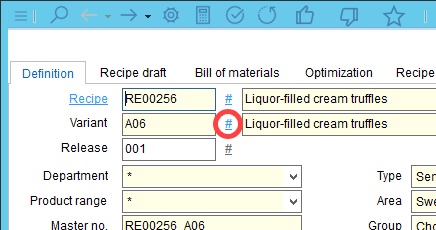
1.To create a new recipe variety, open the Definition tab. Press the # symbol next to the variety number field.
2.Decide at which level the new variety will be created. Click OK.
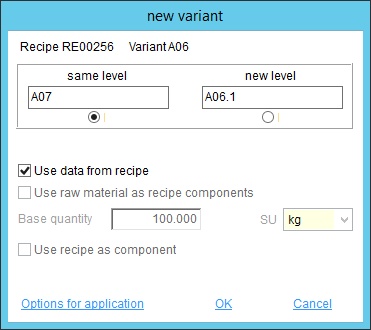
•Use data from recipe: Data from the recipe will be used for the new variety.
•Use raw material as recipe components: Useful for recipes with sub-recipes – the same materials of all sub-recipes will be added.
•Use recipe as component: The source recipe will be inserted into the new variety as a sub-recipe.
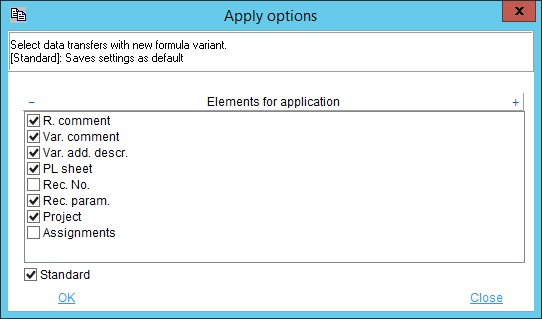
You can click on the Options for application button to specify which type of data will be adopted to the new variety.
3.Give the variety a name.